


F‑Secure Online Scanner helps rid your PC of viruses and spyware
Posted by: Jon Ben-Mayor on 03/16/15 02:55 am
[
 Comments
]
Comments
]
F‑Secure Online Scanner helps to get rid of viruses and spyware that may cause problems on your PC.
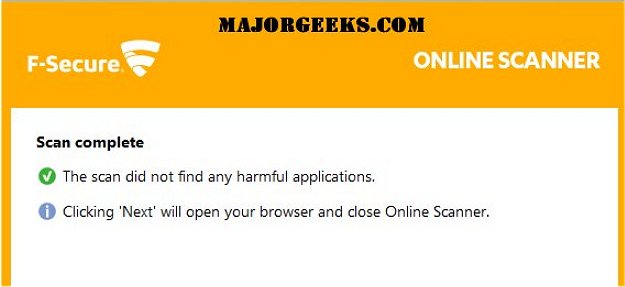
Tim tested this tool out and says he is not sure at this point if it’s just useful for memory scanning or if it’s nothing more than a program designed to sell their products. F-Secure has a stellar reputation so he will assume it has a niche that he wasn't readily seen. He goes on to say, "the best I can tell it scanned my memory as well as the Windows and Users folders and not much else. The scan took just one minute on a very fast computer and when nothing was found it took me to the F-Secure page to sell me on F-Secure products. At this point I downloaded a virus and placed it in my Users and Windows folder and the program did not find it. Since this easily downloadable test virus is well known, F-Secure should have easily found it.
Dwonload @ http://www.majorgeeks.com/files/details/f%E2%80%91secure_online_scanner.html
Tim tested this tool out and says he is not sure at this point if it’s just useful for memory scanning or if it’s nothing more than a program designed to sell their products. F-Secure has a stellar reputation so he will assume it has a niche that he wasn't readily seen. He goes on to say, "the best I can tell it scanned my memory as well as the Windows and Users folders and not much else. The scan took just one minute on a very fast computer and when nothing was found it took me to the F-Secure page to sell me on F-Secure products. At this point I downloaded a virus and placed it in my Users and Windows folder and the program did not find it. Since this easily downloadable test virus is well known, F-Secure should have easily found it.
Dwonload @ http://www.majorgeeks.com/files/details/f%E2%80%91secure_online_scanner.html
Comments
