


New on MajorGeeks: WifiHistoryView
Posted by: Jon Ben-Mayor on 02/05/16 04:44 am
[
 Comments
]
Comments
]
WifiHistoryView is a lightweight tool that allows you to scan and then display a complete connection history of wireless networks on your machine.
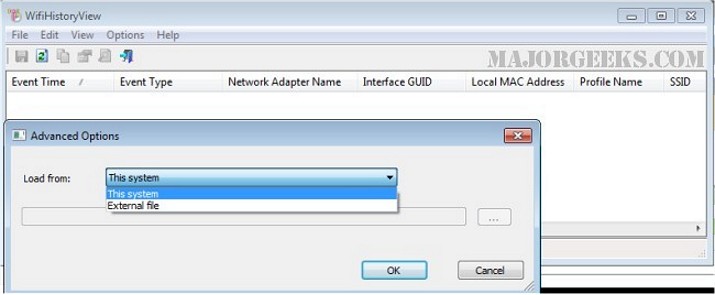
WifiHistoryView will quickly display, in the typical Nirsoft fashion of an easy-to-read table, the following wireless connection/disconnection event information: The date/time that the event occurred, network name (SSID), profile name, network adapter name, BSSID of the router/Access Point, local MAC address, and more...
This tool can be a real sanity saver when you need to run down or analyze a wireless connection that may be acting up by allowing you to view the information associated with that particular connection and target whatever the problem may be to apply a fix. It is convenient to have all the details in one place so you can focus your efforts on the issue rather than on gathering all the data manually.
Download @ http://www.majorgeeks.com/files/details/wifihistoryview.html
WifiHistoryView will quickly display, in the typical Nirsoft fashion of an easy-to-read table, the following wireless connection/disconnection event information: The date/time that the event occurred, network name (SSID), profile name, network adapter name, BSSID of the router/Access Point, local MAC address, and more...
This tool can be a real sanity saver when you need to run down or analyze a wireless connection that may be acting up by allowing you to view the information associated with that particular connection and target whatever the problem may be to apply a fix. It is convenient to have all the details in one place so you can focus your efforts on the issue rather than on gathering all the data manually.
Download @ http://www.majorgeeks.com/files/details/wifihistoryview.html
Comments
