


PowerChute Personal Edition Provides Safe Battery Backup Management
Posted by: Jon Ben-Mayor on 04/16/16 01:58 am
[
 Comments
]
Comments
]
The PowerChute Personal Edition has saved me more than once due to the major fluctuations and all out blackouts that my neighborhood faces. I can count on some form of power issue daily - they are generally only minutes long but there are times when I am down for longer and when I am working on multiple things at once the mere possibility of losing them to a power outage has proven to be quite frustrating.
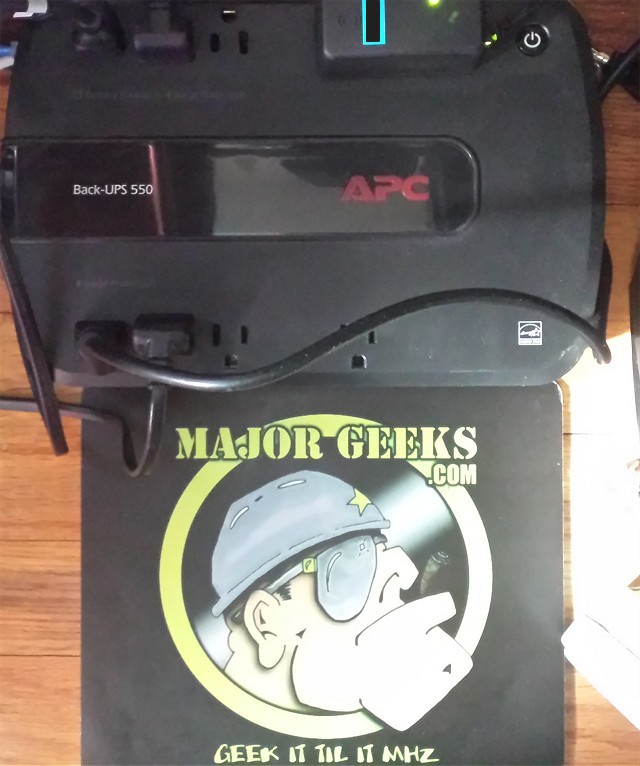
PowerChute Personal Edition is the official APC software with power and energy management features for battery backups.
PowerChute, Personal Edition software, provides safe system shutdown in the event of an extended power outage or computer power problem, preventing potential data corruption. It gives you PC power protection based on the well-established power management expertise that APC brings to the table.
You can tailor PowerChute settings for your circumstances. Energy cost and CO2 monitoring give you an understanding of the energy consumed by protected equipment and energy plans enable cost savings. Depending on your model, it can also summarize power problems such as blackouts and electrical noise, run automatic self-tests, quickly assess power status and more.
Download @ http://www.majorgeeks.com/files/details/powerchute_personal_edition.html
PowerChute Personal Edition is the official APC software with power and energy management features for battery backups.
PowerChute, Personal Edition software, provides safe system shutdown in the event of an extended power outage or computer power problem, preventing potential data corruption. It gives you PC power protection based on the well-established power management expertise that APC brings to the table.
You can tailor PowerChute settings for your circumstances. Energy cost and CO2 monitoring give you an understanding of the energy consumed by protected equipment and energy plans enable cost savings. Depending on your model, it can also summarize power problems such as blackouts and electrical noise, run automatic self-tests, quickly assess power status and more.
Download @ http://www.majorgeeks.com/files/details/powerchute_personal_edition.html
Comments
