


Discover the Hardware Inside Your Computer With These Free 5 Apps
By Timothy Tibbettson 06/19/2023 |
Sometimes you need to identify the hardware in your computer. If you don't want to open the case, or can't identify something, these free tools can do it for you. Some tools merely report while others apps can also monitor or analyze for you. Some also display the results differently. Let's take a look at the top 5 freeware System Information apps.
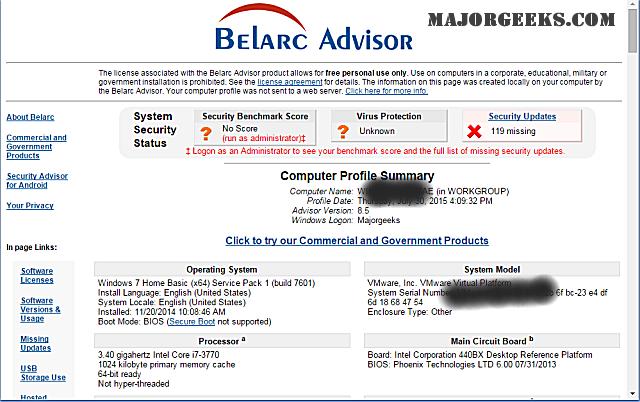
Belarc Advisor has been around longer than most. It is geared towards the end user, but many techs also find it useful. Results are displayed as a web page making them easy to read and understand. Belarc can also find software versions and licenses, missing updates, and more. If you're new to this, start here. A video tutorial is available.
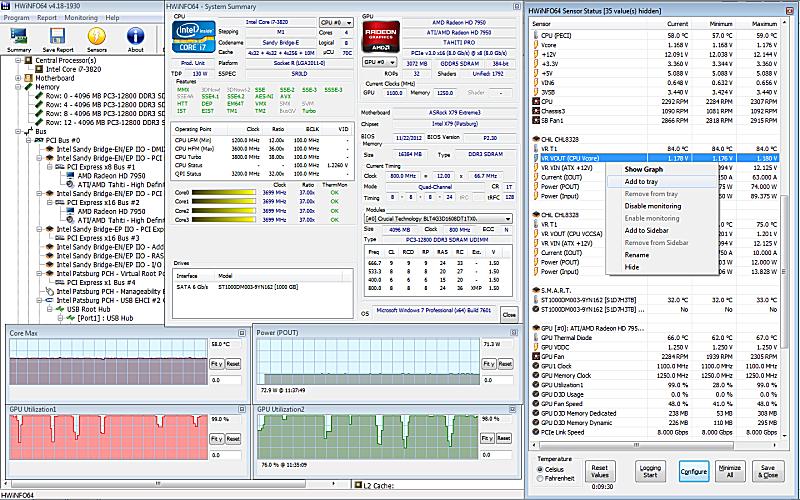
HWiNFO provides you with comprehensive system information details including hardware analysis, monitoring, and reporting for Windows and DOS. HWiNFO can be very detailed, so it's not the first stop for new users. Also available as a 64-Bit installer, 64-Bit Portable, and DOS. Once again, a video walkthrough is available.
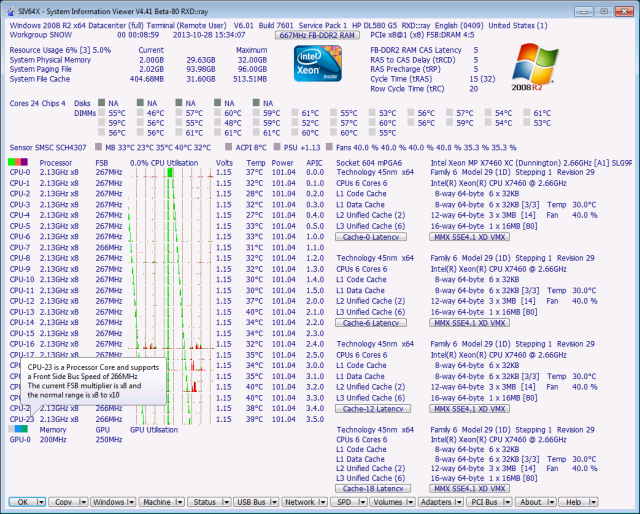
SIV (System Information Viewer) can be detailed much like HWiNFO, but if you're looking for the most downloaded app here, this is it. SIV can detail CPU info, PCI info, PCMCIA info, USB info SMBus info, SPD info, Machine Info, Hardware Sensors, Networked computers, Operating System Information and more.
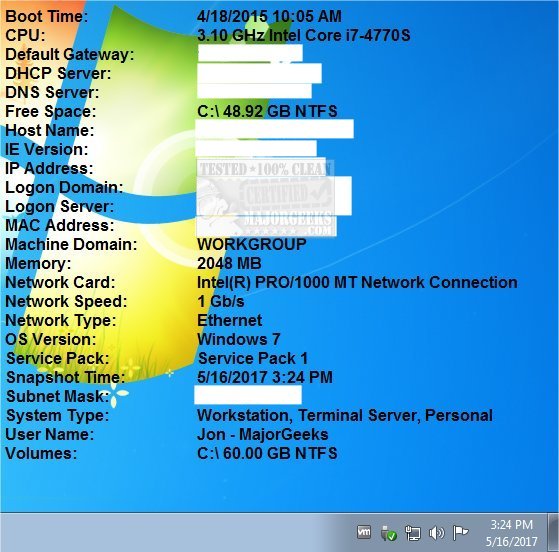
Microsoft BGInfo is a bit different because it simply displays relevant information about a Windows computer on the desktop's background. If you can change your wallpaper, you can use this app. It also allows techs to put it on numerous computers enabling them to change the wallpaper to get system details quickly.
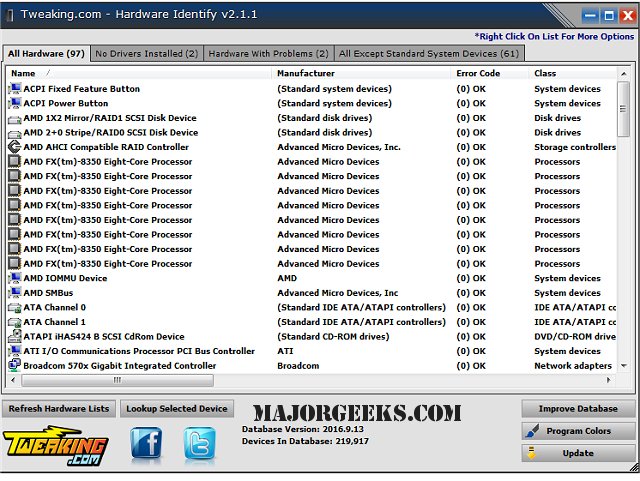
Tweaking.com - Hardware Identify is a bit different. What happens when one of the above tools can't recognize your hardware? Then, you need an app like Hardware Identify. The database is updated as time goes on to discover unknown hardware.
Didn't find what you needed? Browse dozens of other freeware system information apps here.
comments powered by Disqus
Belarc Advisor has been around longer than most. It is geared towards the end user, but many techs also find it useful. Results are displayed as a web page making them easy to read and understand. Belarc can also find software versions and licenses, missing updates, and more. If you're new to this, start here. A video tutorial is available.
HWiNFO provides you with comprehensive system information details including hardware analysis, monitoring, and reporting for Windows and DOS. HWiNFO can be very detailed, so it's not the first stop for new users. Also available as a 64-Bit installer, 64-Bit Portable, and DOS. Once again, a video walkthrough is available.
SIV (System Information Viewer) can be detailed much like HWiNFO, but if you're looking for the most downloaded app here, this is it. SIV can detail CPU info, PCI info, PCMCIA info, USB info SMBus info, SPD info, Machine Info, Hardware Sensors, Networked computers, Operating System Information and more.
Microsoft BGInfo is a bit different because it simply displays relevant information about a Windows computer on the desktop's background. If you can change your wallpaper, you can use this app. It also allows techs to put it on numerous computers enabling them to change the wallpaper to get system details quickly.
Tweaking.com - Hardware Identify is a bit different. What happens when one of the above tools can't recognize your hardware? Then, you need an app like Hardware Identify. The database is updated as time goes on to discover unknown hardware.
Didn't find what you needed? Browse dozens of other freeware system information apps here.
comments powered by Disqus
