


How to Show Hidden or Masked Passwords Behind Asterisks
By Timothy Tibbettson 06/15/2023 |
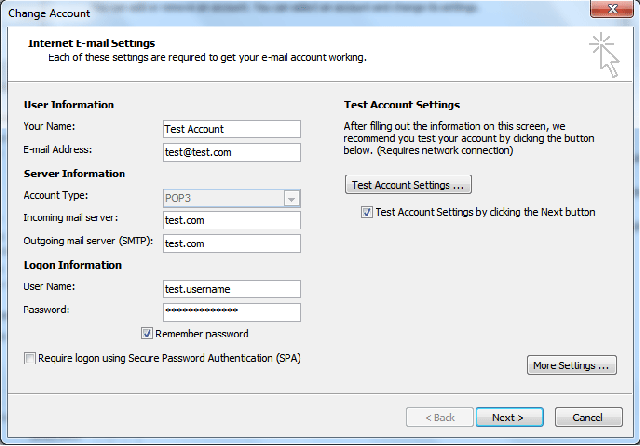
In most applications and web browsers, your passwords are hidden behind asterisks (*******) for security purposes. While this is a great feature, what happens when you forgot or lost a password?
There are a lot of apps available that can reveal your passwords. The only problem is that some work better than others, depending on where you need to recover your password. If you have difficulty, there are many niche recovery tools capable of recovering passwords in many situations, including Facebook, VMWare, routers, email, and more.
That said, here are the apps we'd try that we've found work the best. We'll start with the best, most popular apps and then discuss a few other often overlooked apps that are worth trying.
Keep in mind that many of these apps will set off your security software. These are false positives, and your security software would be correct if someone else were trying to steal your passwords.
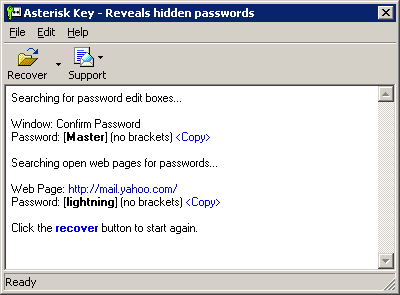
Asterisk Key is the highest rated, most download app of this type on MajorGeeks but no longer updated. Start with this app first.
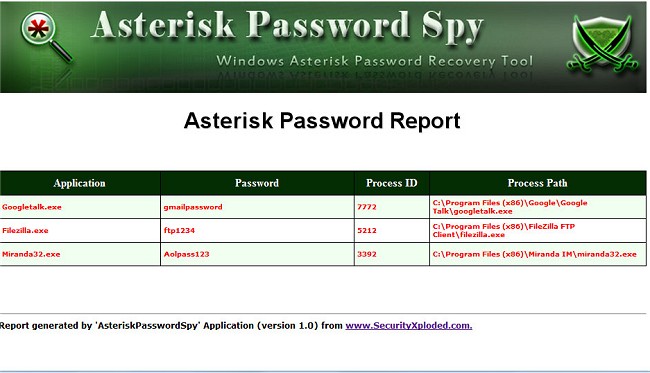
Asterisk Password Spy is the second most popular app on MajorGeeks and has the advantage of being updated as of 2019. When other apps fail you, be sure to try Asterisk Password Spy.
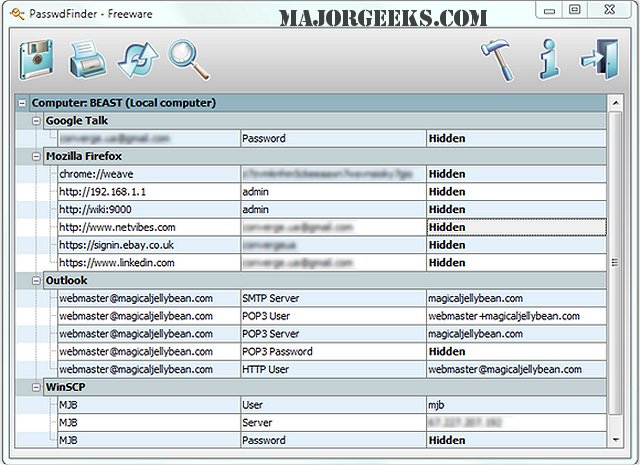
Magical Jelly Bean PasswdFinder has flown under the radar with the least amount of downloads even though it's one of the best. Go figure.
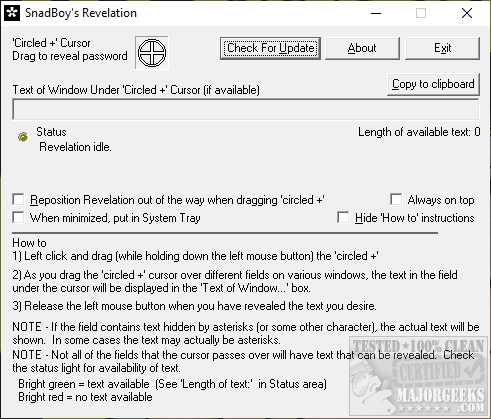
SnadBoys Revelation is no longer updated but works well on many applications. We weren't impressed by the web browser detection.
SterJo Password Unmask is highly rated, yet also seems to have flown under the radar.
comments powered by Disqus
There are a lot of apps available that can reveal your passwords. The only problem is that some work better than others, depending on where you need to recover your password. If you have difficulty, there are many niche recovery tools capable of recovering passwords in many situations, including Facebook, VMWare, routers, email, and more.
That said, here are the apps we'd try that we've found work the best. We'll start with the best, most popular apps and then discuss a few other often overlooked apps that are worth trying.
Keep in mind that many of these apps will set off your security software. These are false positives, and your security software would be correct if someone else were trying to steal your passwords.
Asterisk Key is the highest rated, most download app of this type on MajorGeeks but no longer updated. Start with this app first.
Asterisk Password Spy is the second most popular app on MajorGeeks and has the advantage of being updated as of 2019. When other apps fail you, be sure to try Asterisk Password Spy.
Magical Jelly Bean PasswdFinder has flown under the radar with the least amount of downloads even though it's one of the best. Go figure.
SnadBoys Revelation is no longer updated but works well on many applications. We weren't impressed by the web browser detection.
SterJo Password Unmask is highly rated, yet also seems to have flown under the radar.
comments powered by Disqus
