


Optimizely Hack Exposes Visitors to Malicious Code on Major Websites
By Jim McMahonon 11/17/2026 |
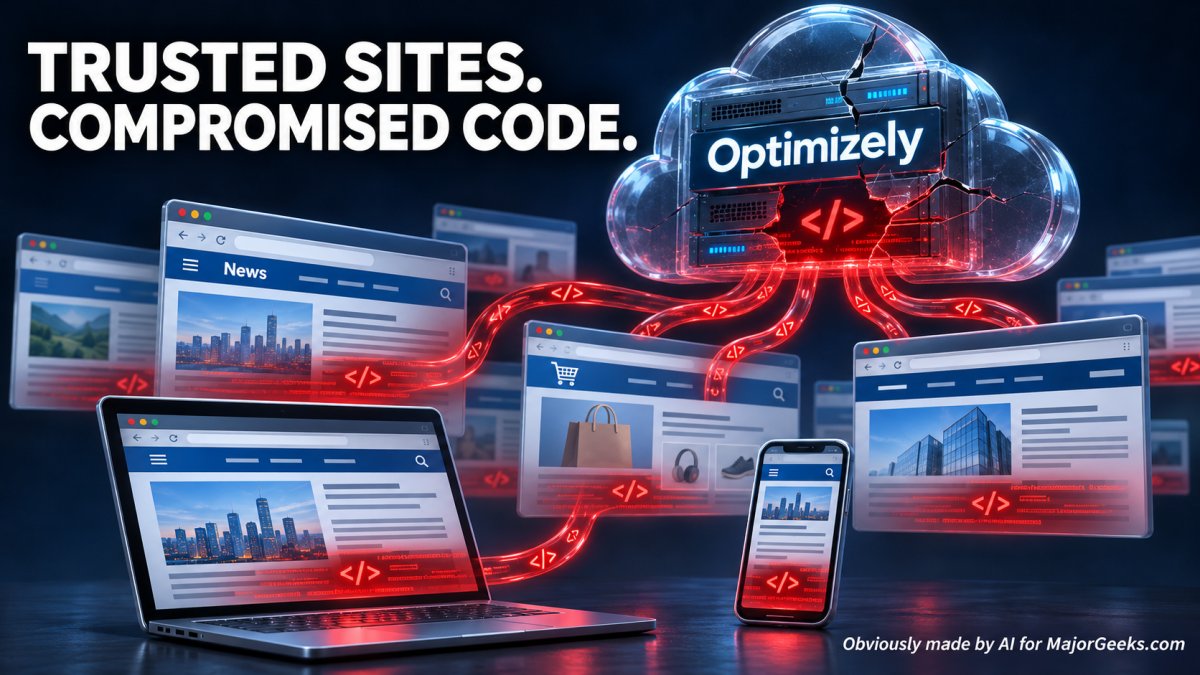
Attackers exploited a vulnerability in Optimizely's website experimentation platform to inject malicious JavaScript into customer projects, exposing visitors to code designed to steal payment information, redirect cryptocurrency payments, and target vulnerable systems
Optimizely is a service businesses use to test and personalize their websites. For example, a store might show visitors two different checkout designs to see which generates more sales. That's called A/B testing.
Their Web Experimentation product works through JavaScript that businesses would then add to their websites. That code runs in visitors' browsers, allowing Optimizely to change parts of the page to see which a user may like or dislike better.
That's what made this attack particularly dangerous. The attackers altered code those websites already trusted, giving them a route to visitors through legitimate pages.
Optimizely has confirmed the incident and says it has fixed the vulnerability, removed the injected code, secured affected accounts, and added protections. Its incident notice remains listed as monitoring. status.optimizely.com
How the Optimizely Attack Worked
Optimizely helps businesses test changes to their websites. A company might use it to compare different page designs or see which version of a checkout process works better. To provide that functionality, websites load JavaScript supplied through Optimizely.
According to Report URI researcher Scott Helme, attackers inserted malicious code into customer projects' "Project JavaScript" field. The modified scripts still arrived through Optimizely's trusted infrastructure, but now included instructions to load the attacker's payload.
That gave the attackers a route into visitors' browsers through legitimate websites. They did not need to compromise each customer's servers individually, and visitors did not need to click a suspicious email link to encounter the code.
Which Websites Were Affected?
Report URI identified 188 infected scripts associated with 178 organizations. Named examples included Zoom, CNN, BBC, Fox News, Salesforce, GitLab, Equifax, HSBC, Peacock, Ledger, ASOS, American Eagle, Paychex, Hootsuite, and Optimizely itself. IKEA's listed domain was its home-design service.
These are not small sites, and they hold an enormous amount of data.
These findings concern specific domains and scripts, rather than every service operated by each company. The researcher's full affected-domain list provides the details.
What Was the Code Designed to Steal?
The researcher's analysis identified cryptocurrency address swapping, payment-card skimming, collection of accessible cookies and webpage screenshots, and delivery of iOS exploit kits. Hosted payment frames were outside the card skimmer's reach; payment fields built directly into affected pages were potentially exposed.
The distinction between exposure and a successful compromise is what you need to be concerned with. Finding malicious code associated with a website does not establish that every visitor lost information or had a device infected. Reuters reported that the extent of successful compromises remained unknown. But it appears that only those who visited those compromised sites during the compromise status would be affected.
What Should You Do Now?
If you visited an affected domain during the November 16 incident, consider what information you entered and which device you used.
* Change your passwords If you see a familiar company on the list, it isn't proof you were compromised. But take a second to change your passwords just to be safe.
* Close affected pages still open in your browser. Check the company's security notices before returning to enter sensitive information.
* If you entered card details, contact your card issuer. Ask whether replacement is appropriate and enable transaction alerts.
* Review cryptocurrency transfers. Compare the actual destination with the intended recipient through a separate, trusted source. Verify the entire address.
* Review account activity and active sessions. Revoke unfamiliar sessions. For chrome got to Google Account Settings > Security > Your devices > Manage all devices. Other accounts will differ. If credentials may have been exposed, change the password from an updated device and replace it anywhere you reused it.
* Watch for follow-up scams. If you were affected, expect to get some follow-up spam and phone calls in the next few months. Never give someone your password, verification codes, or wallet recovery phrase because they claim to be helping with the incident.
The Bigger Problem: Your Trust Gets Passed Around
Here's where the news turns into a much bigger concern for me.
You choose one company to do business with. Behind the scenes, that company relies on other companies that store your information, like credit card data. You may never hear their names, but you're being asked to trust them anyway.
Those suppliers are supposed to bring expertise, which is often why they are brought in. Yet when something goes wrong, the consequences can travel through that entire chain to the customer, who is the one who end up paying the security price.
You choose a reputable business and use a strong password, and keep your computer updated and yet … here we go again.
Frankly, it seems ridiculous that an A/B testing company would need your credit card data or that there wasn't some system in place that would not allow one site hack to be used on every other site when you are dealing with that kind of scope.
Unique Passwords Help Contain the Damage
This is also why if you are using the same password everywhere, you need to stop today, or we will revoke your GEEK card.
A separate password for each account limits the damage if credentials from one service are stolen. Your email account deserves particular attention because it often provides the password-reset route into everything else.
We have been recommending password managers for over 2 decades now. The best are
RoboForm and Bitwarden. They can generate and store unique passwords without requiring you to memorize them. Use a strong, unique master password and enable multifactor authentication.
That protects against password reuse.
Point of note: These tools will help you control your part of the problem. They cannot fix a 3rd party supplier's security failure.
Better Tools Need to Deliver Better Protection
We're constantly hearing about smarter security products, more capable AI models, and better ways to detect threats. As a customer, I'd like to see those improvements translate into fewer opportunities for someone else's mistake to expose my information.
My concern is that increasingly capable automation will help attackers find weaknesses and expand their reach unless companies start really stepping up to keep pace with these new hacking tools. But they seem to be falling farther behind.
Until further notice, I'll be keeping anything of value offline whenever possible.

|
Jim McMahon
Jim McMahon, aka Corporal Punishment, is the founder of MajorGeeks.com. He has spent decades testing software, troubleshooting Windows, and helping users cut through the nonsense. He loves real freeware, hates bloatware, and runs on caffeine, sarcasm, and questionable choices. |
comments powered by Disqus
