


SmartTaskbar Hides The Taskbar When Apps Are Full Screen
By Timothy Tibbettson 06/15/2023 |
SmartTaskbar is an Open Source app that permits you to hide the Taskbar while applications are displayed full screen.
Windows has the option to show or hide the Taskbar unless you move your mouse there. However, the Taskbar remains when using any applications maximized.
SmartTaskbar requires installation and resides in the System Tray using almost no resources at all. Right-click on the icon and you can make some small changes. You can enable, or disable, the Taskbar animation, and auto detects applications. You can also double-click and show or hide the Taskbar.
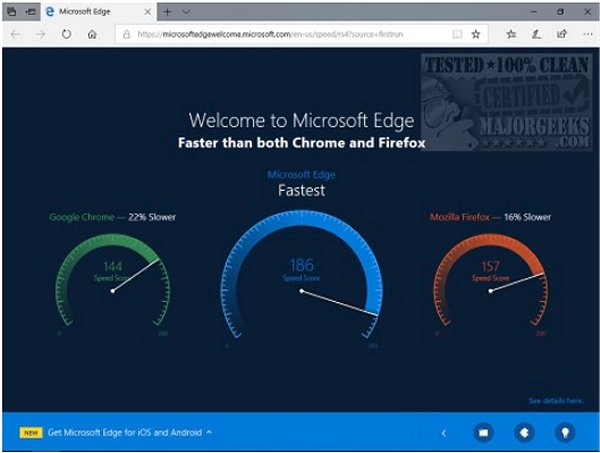
Our second and third screenshots below show Microsoft Edge without, then with the Taskbar.
SmartTaskbar is designed to address a small issue and works as promised. If not hiding the Taskbar when you run applications full screen is an annoyance to you, then look no further.
Download @ https://www.majorgeeks.com/files/details/smarttaskbar.html
comments powered by Disqus
Windows has the option to show or hide the Taskbar unless you move your mouse there. However, the Taskbar remains when using any applications maximized.
SmartTaskbar requires installation and resides in the System Tray using almost no resources at all. Right-click on the icon and you can make some small changes. You can enable, or disable, the Taskbar animation, and auto detects applications. You can also double-click and show or hide the Taskbar.
Our second and third screenshots below show Microsoft Edge without, then with the Taskbar.
SmartTaskbar is designed to address a small issue and works as promised. If not hiding the Taskbar when you run applications full screen is an annoyance to you, then look no further.
Download @ https://www.majorgeeks.com/files/details/smarttaskbar.html
comments powered by Disqus
