


Edward Snowden: iPhone has special tracking software
Posted by: Timothy Weaver on 01/21/15 04:30 am
[
 Comments
]
Comments
]
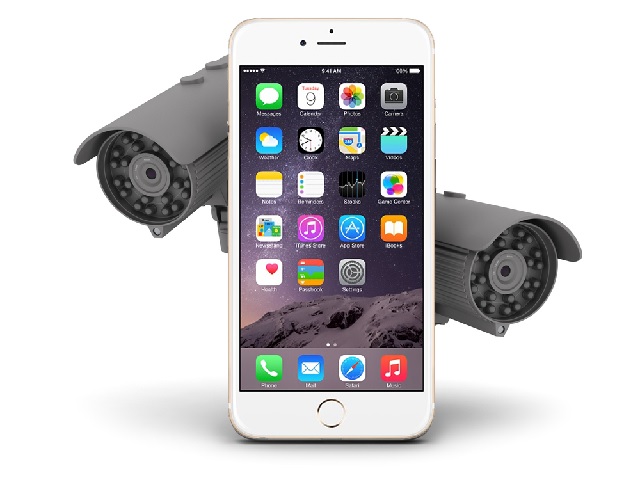
Whistle blower Edward Snowden has made allegations that the iPhone has special software that can be turned on remotely and monitor the owners whereabouts.
Snowdens lawyer, Anatoly Kucherena said, "Edward never uses an iPhone, he’s got a simple phone. The iPhone has special software that can activate itself without the owner having to press a button and gather information about him, that’s why on security grounds he refused to have this phone".
The iPhone does, like most smartphones, track your location and uses these details for various (non-nefarious) reasons. It even has a built-in feature which plots on a map where you -- or your phone at least -- has been. To view this, go to Settings, Privacy, Location Services and scroll down, and tap System Services.
It's not clear whether this is the software Snowden is referring to or if there is some other bit of software involved. Recently leaked NSA files from Snowden reveal that British spy agency GCHQ previously used the iPhone’s UDID (unique identifier) as a way to track owners. This is no longer a worry for paranoid users however, as the published files are dated November 2010 and Apple moved away from UDID system to more privacy-friendly methods in March 2013.
Snowdens lawyer, Anatoly Kucherena said, "Edward never uses an iPhone, he’s got a simple phone. The iPhone has special software that can activate itself without the owner having to press a button and gather information about him, that’s why on security grounds he refused to have this phone".
The iPhone does, like most smartphones, track your location and uses these details for various (non-nefarious) reasons. It even has a built-in feature which plots on a map where you -- or your phone at least -- has been. To view this, go to Settings, Privacy, Location Services and scroll down, and tap System Services.
It's not clear whether this is the software Snowden is referring to or if there is some other bit of software involved. Recently leaked NSA files from Snowden reveal that British spy agency GCHQ previously used the iPhone’s UDID (unique identifier) as a way to track owners. This is no longer a worry for paranoid users however, as the published files are dated November 2010 and Apple moved away from UDID system to more privacy-friendly methods in March 2013.
Comments
