


SanDiskGuard Enables Efficient SSD Data Access
By Timothy Tibbettson 06/15/2023 |
SanDiskGuard allows for simple access to SSD data directly from SMART attributes.
This tool can not only be used for SanDisk products but also other types as well. There isn't a list that we could find or mention of what devices are supported, but SanDiskGuard will let you know quite fast if it will work for yours on the first run.
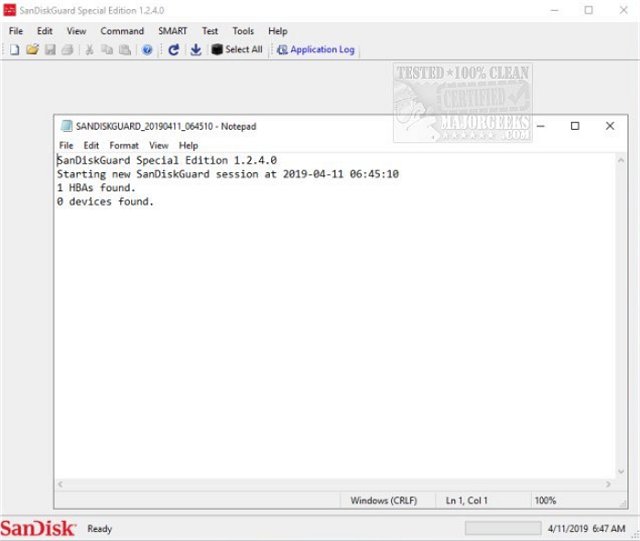
SanDiskGuard's UI provides multiple types of information about your drive like serial number, maximum LBA, WVM, whether the PI type is enabled/disabled, and more. You can also use it to find out the usage rate as well as color-coded temperature readings to stay on top of potential over-heating. The details compiled by SanDiskGuard will be available in the form of activity records allowing you to keep track of any issues over time.
SanDiskGuard also features a useful test option that includes several troubleshooting tools that help you pinpoint an issue providing you essential data that can be used for debugging purposes.
It is always advisable to create a system restore point before utilizing this type of tool.
Download @ https://www.majorgeeks.com/files/details/sandiskguard.html
comments powered by Disqus
This tool can not only be used for SanDisk products but also other types as well. There isn't a list that we could find or mention of what devices are supported, but SanDiskGuard will let you know quite fast if it will work for yours on the first run.
SanDiskGuard's UI provides multiple types of information about your drive like serial number, maximum LBA, WVM, whether the PI type is enabled/disabled, and more. You can also use it to find out the usage rate as well as color-coded temperature readings to stay on top of potential over-heating. The details compiled by SanDiskGuard will be available in the form of activity records allowing you to keep track of any issues over time.
SanDiskGuard also features a useful test option that includes several troubleshooting tools that help you pinpoint an issue providing you essential data that can be used for debugging purposes.
It is always advisable to create a system restore point before utilizing this type of tool.
Download @ https://www.majorgeeks.com/files/details/sandiskguard.html
comments powered by Disqus
