


What is a JFIF File?
By Timothy Tibbettson 06/15/2023 |
You may encounter an image file with the extension JFIF. These images often are downloaded rarely on the internet or maybe from a collection of old camera photos. Here's what you need to know about JFIF.
JFIF is the acronym for JPEG File Interchange Format.
Let's look at how to open and share a JFIF file and what it is.
How to Open a JFIF File?
The good news is that most paint programs and photo viewers support JFIF, including Windows 10 Photos, Paint Shop Pro, GIMP, and more.
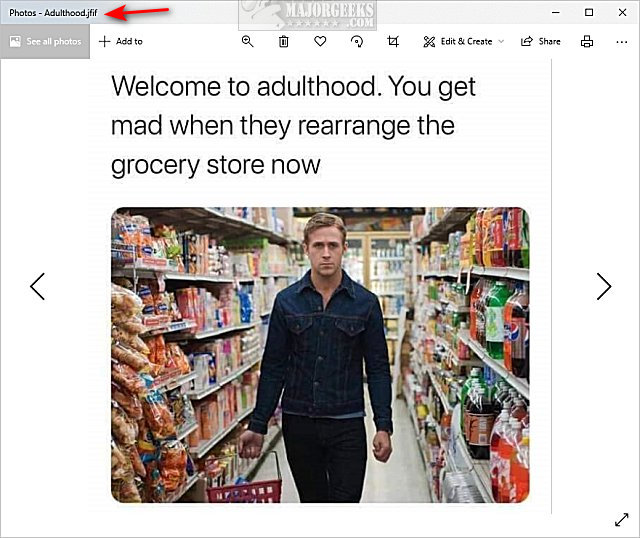
If you have a JFIF file, that means anyone you share it with should be able to see it, but you can always convert the image to a JPG, PNG, or Bitmap if you're concerned the other person might not recognize it.
You can also rename the file to JPG.
Because the JFIF format was used back when digital cameras were popular, JPEG, or JPG, have essentially replaced it, so you're less likely to see a JFIF file.
What is a JFIF File?
A JFIF file is a bitmap graphic that uses JPEG compression and is the precursor to JPEG. The JFIF format left out many details that were undefined in the early JPEG format.
Moving forward, the JPEG or JPG format you're probably familiar with essentially made the JFIF format obsolete.
Geeky people might make sense of the many details found on WikiPedia, but it was too complicated for our tastes considering the format is so rarely used anymore.
Similar:
What is a HEIF File?
comments powered by Disqus
JFIF is the acronym for JPEG File Interchange Format.
Let's look at how to open and share a JFIF file and what it is.
How to Open a JFIF File?
The good news is that most paint programs and photo viewers support JFIF, including Windows 10 Photos, Paint Shop Pro, GIMP, and more.
If you have a JFIF file, that means anyone you share it with should be able to see it, but you can always convert the image to a JPG, PNG, or Bitmap if you're concerned the other person might not recognize it.
You can also rename the file to JPG.
Because the JFIF format was used back when digital cameras were popular, JPEG, or JPG, have essentially replaced it, so you're less likely to see a JFIF file.
What is a JFIF File?
A JFIF file is a bitmap graphic that uses JPEG compression and is the precursor to JPEG. The JFIF format left out many details that were undefined in the early JPEG format.
Moving forward, the JPEG or JPG format you're probably familiar with essentially made the JFIF format obsolete.
Geeky people might make sense of the many details found on WikiPedia, but it was too complicated for our tastes considering the format is so rarely used anymore.
Similar:
comments powered by Disqus
