


7 Ways You Can See All User Accounts in Windows 11
By selma čitakovićon 06/27/2026 |
![{$insert['content_title']](/content/file/6105_image2.png
)
You can create multiple user accounts, both local and Microsoft ones. Additionally, there are built-in system and service accounts that run in the background, without your intervention. Luckily, keeping track of all of them is pretty easy.
Here's how!
Via the sign-in screen
You can check out almost all user accounts right as you sign in, in the bottom-left corner. Disabled accounts won't show up here, but you can see the rest.
Via Settings
To see all users other than the current one:
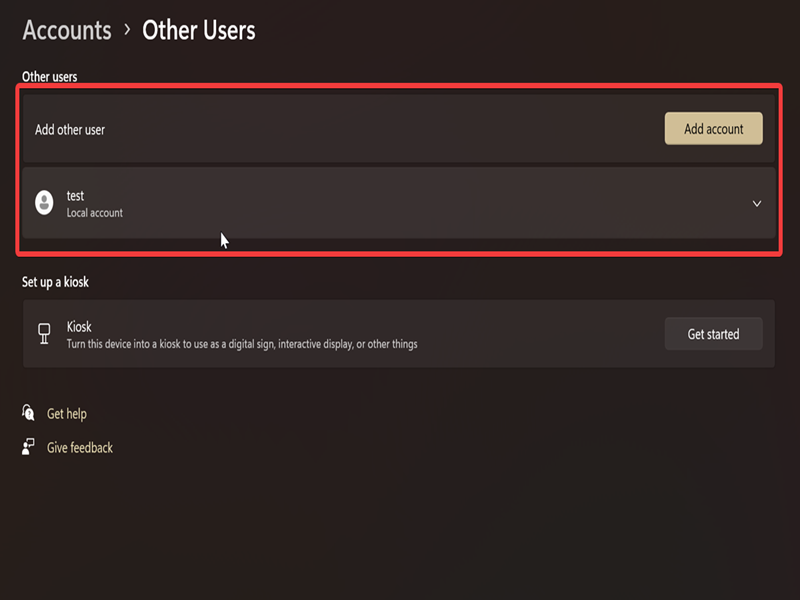
- Go to Settings > Accounts > Other users (under Account settings).
- You'll see a list of all users with device access, work or school users, etc.
Via PowerShell
You can also use a command to quickly bring up a list of users:
- Press Win + R, type powershell, and press Enter.
- Type the following command and hit Enter: Get-LocalUser
This will display both user and system/service accounts.
Via Command Prompt
Alternatively, you can try this:
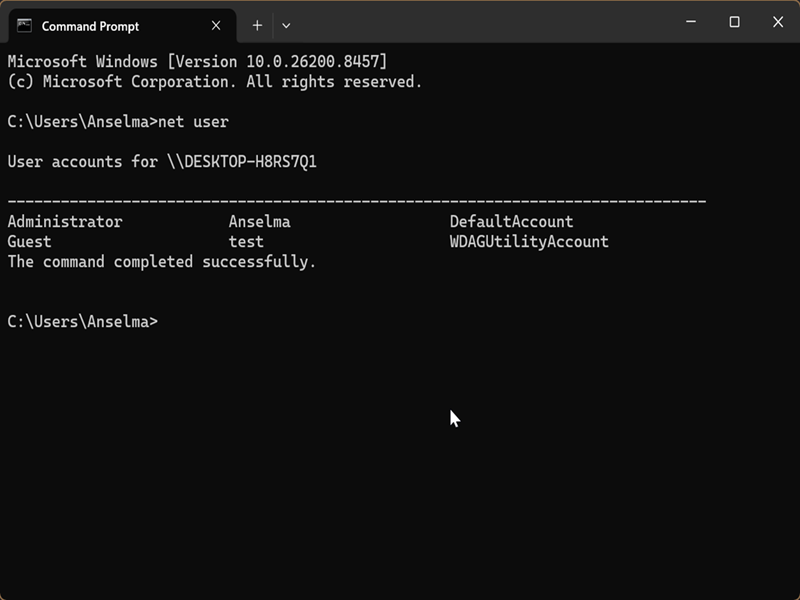
- Press Win + R, type cmd, and press Enter.
- Type the following command and hit Enter: net user
Via Control Panel
The Control Panel can help you keep track of user accounts as well:
- Type its name in Windows Search and open it.
- Select either Small icons or Large icons view in the top right.
- Click on User Accounts.
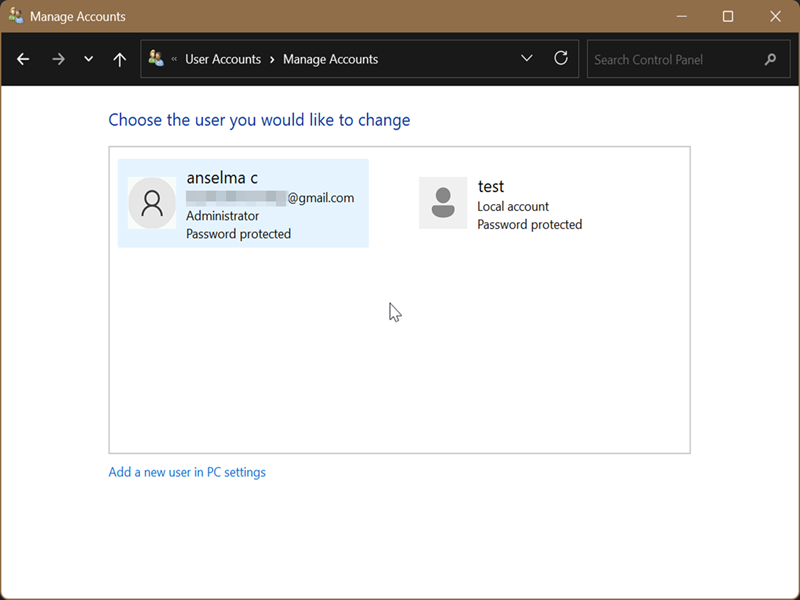
- Click the Manage another account link. You'll need elevated privileges for this.
- You should see all users on the next screen.
Via Local Users and Groups
If you're on Windows Pro, Education, or Enterprise edition, you can use the built-in Local Users and Groups manager:
- Press Win + R, type lusrmgr.msc, and hit Enter.
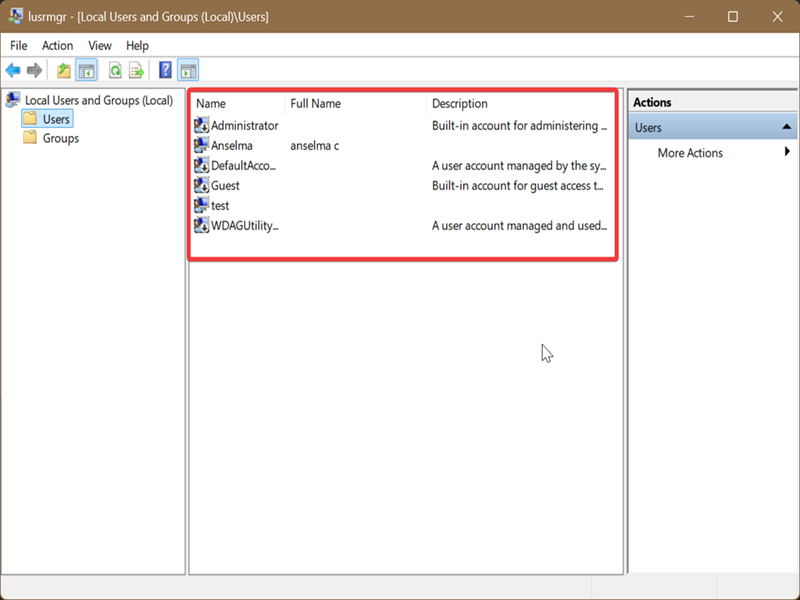
- Click on Users on the left.
- You'll see a list of all accounts, including system/service ones.
Via netplwiz
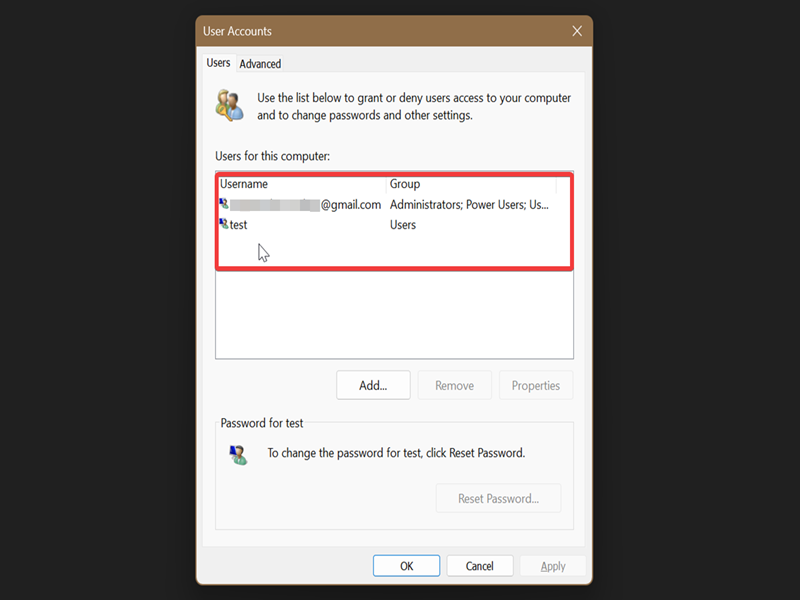
Netplwiz.exe is a Windows tool for managing user accounts and logins. To use it:
- Press Win + R, type netplwiz.exe, and press Enter.
- Go to the Users tab, and you'll see a list of account names and the groups they belong to.
Lastly, if you want to
log off other users or
delete them, we have just the guides for that.

|
selma citakovic
Selma is a gamer, geek and gremlin hunter with a passion for cyber security and smashing Windows bugs before they bite. She’s IBM-certified, loves real freeware, despises bloatware, and powers most of her troubleshooting with an unhealthy amount of coffee. |
comments powered by Disqus
